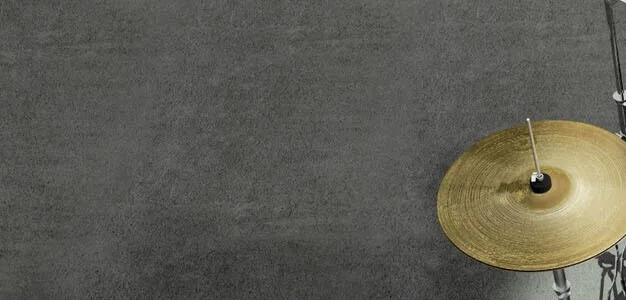
Settings
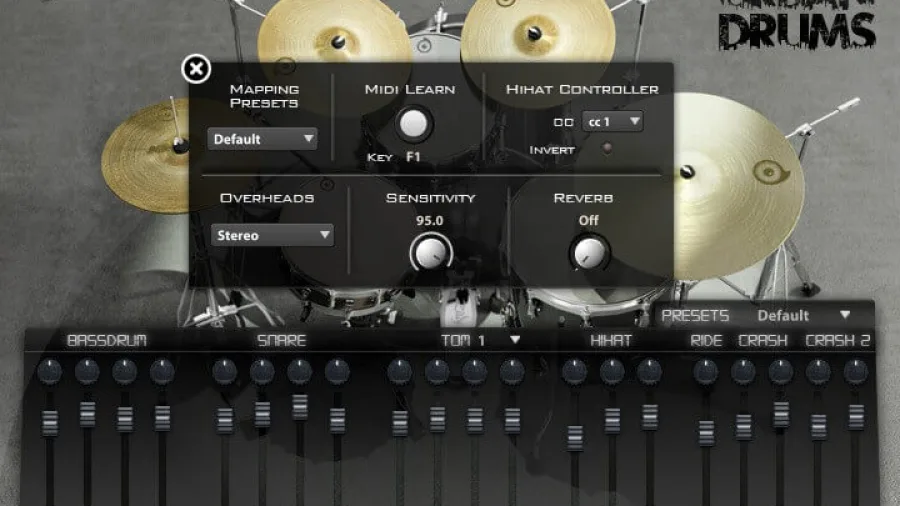
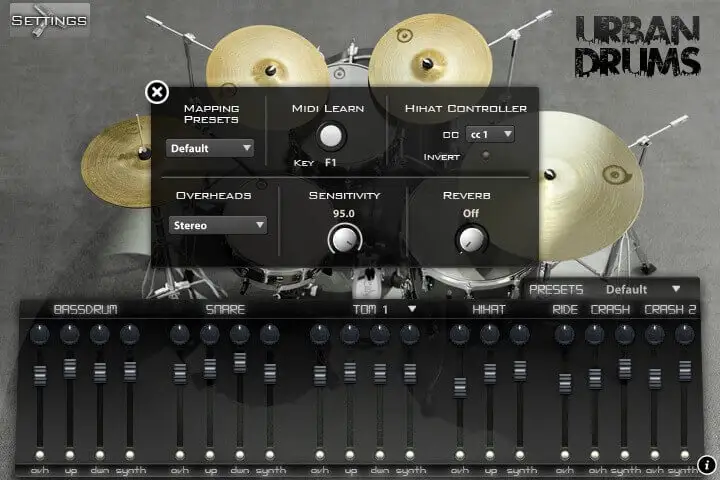
Mapping presets: presets for the most popular drum formats (GM, V-Drums, IMAP, NSKIT) plus the default one, or build your own.
MIDI Learn: press the key of the element you want to move, click MIDI Learn, then press the target key.
Hihat controller: the hihat is played from one key (C#2 by default) and the sample depends on the value of the chosen controller, just like a real hihat. The controller can be inverted.
Overheads: sets the overhead microphone position to mono or stereo.
Sensitivity: sets the minimum volume for velocity 1, from a narrow to the full dynamic range.
Reverb: the amount of convolution reverb applied to the whole kit.
 VBrass French Horns
 VHorns Alto Saxophones
 VHorns Baritone Saxophones
 VHorns Bass Trombone
 VHorns Cornet
 VHorns Euphonium
 VHorns Flugelhorn
 VHorns Muted Trumpet
 VHorns Soprano Saxophones
 VHorns Sousaphone
 VHorns Tenor Saxophones
 VHorns Trombone
 VHorns Trumpet
 VHorns Valve Trombone
 VWinds A Clarinet
 VWinds Alto Flute
 VWinds Bass Clarinet
 VWinds Bass Flute
 VWinds Basset Horn
 VWinds Bassoon
 VWinds Bb Clarinet
 VWinds C Flute
 VWinds Contrabass Clarinet
 VWinds Contrabass Flute
 VWinds Contrabassoon
 VWinds Eb Clarinet
 VWinds English Horn
 VWinds Oboe
 VWinds Piccolo


 VHorns Brass Section
 VHorns Extended Brass
 VHorns Saxophones
 VWinds Clarinets
 VWinds Double Reeds
 VWinds Flutes
 AS Piano Collection
 AS Drums Collection
 AS Bass Collection
 AS Free Collection
 AS Guitar Collection
 Balani
 E-PIAN
 VibysM
 Marchin
 SmallDrumKits
 WoodBoxes
 AkousKontr


 Elektron
 JazzGuitarysm