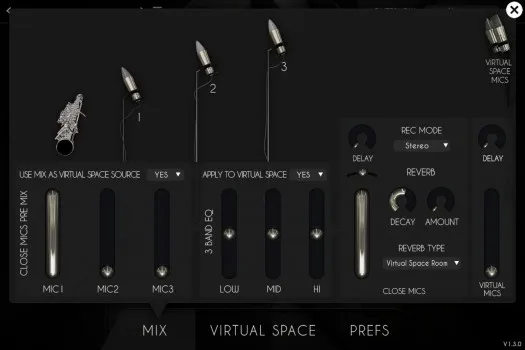
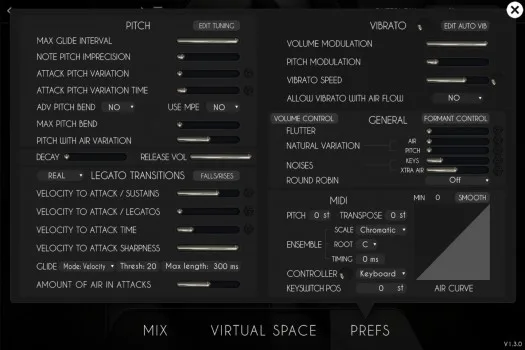
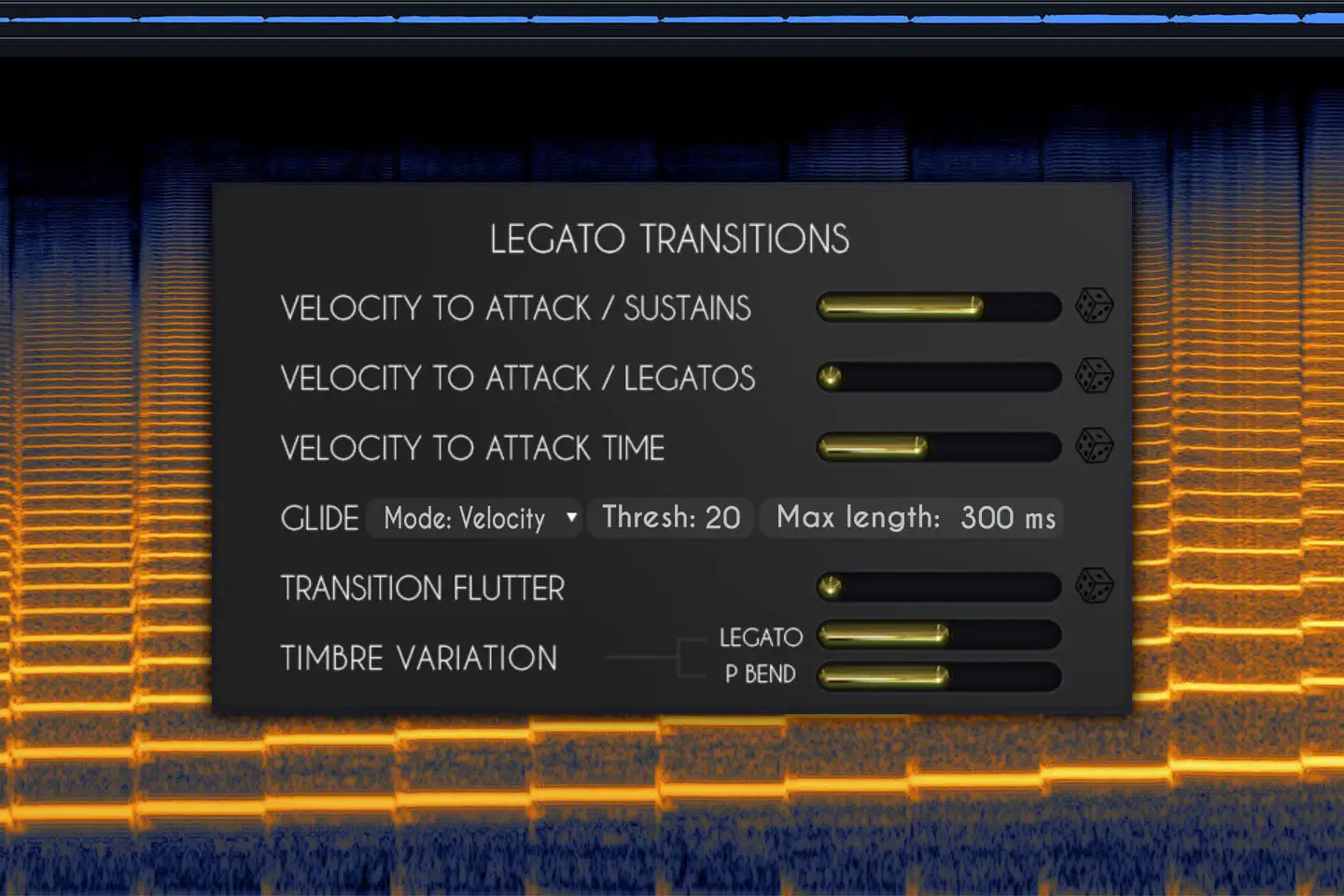
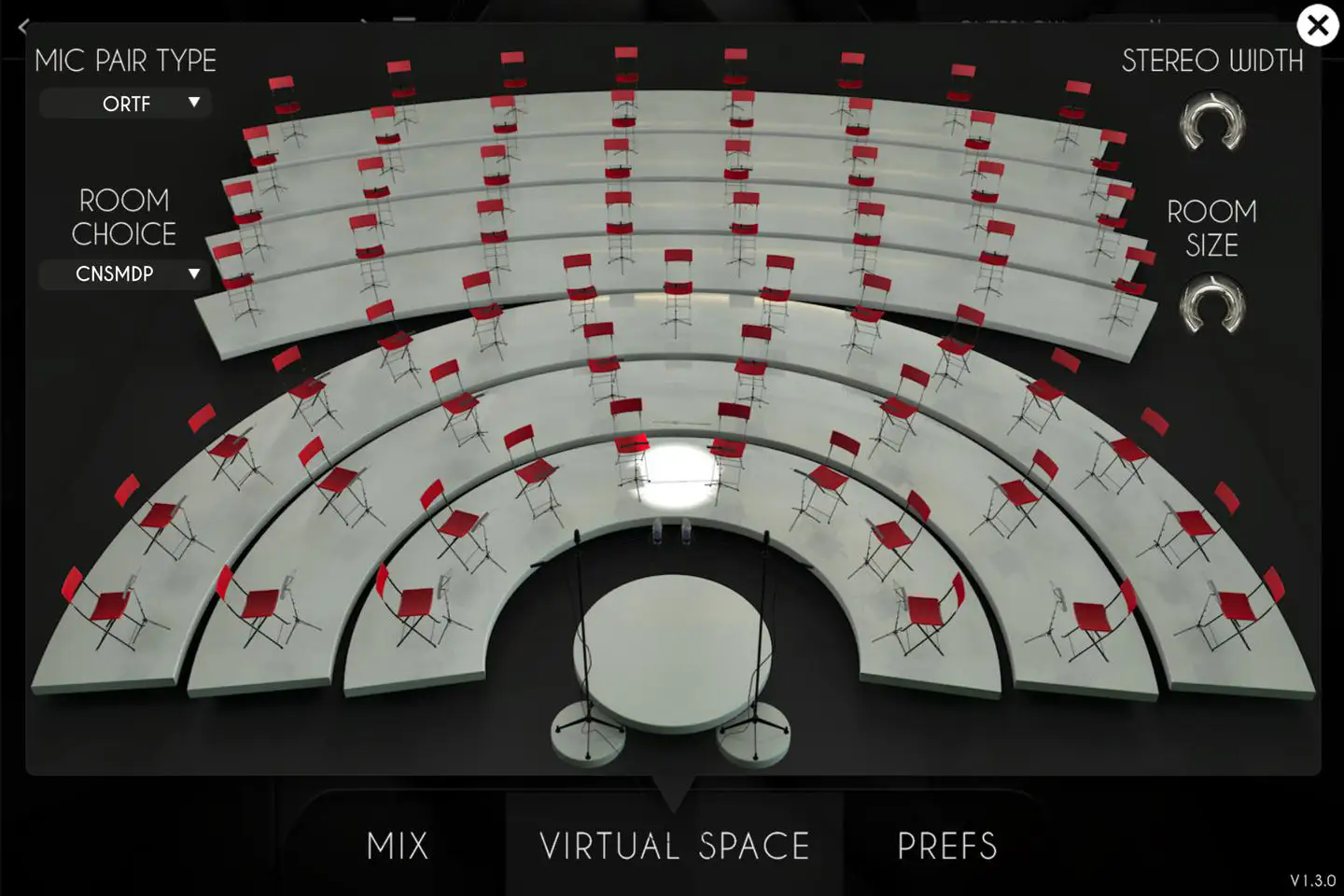
We already detailed many features above, but here are the remaining few. Please note that all of the features in the preference tab that have a small die next to them which turns on randomization for an even more exciting and unpredictable performance. Randomize means that the value for that setting will be randomized for each new note, between the minimum value and the value you set.
Firstly, at the top, you will see a tuning button that will open a panel allowing you to tune each note to your liking. This is very useful for performing music not written for standard tuning systems, or for music that doesn’t use traditional Western classical scales.
Pitch section:
1- The max glide interval controls the maximum interval that you are able to create a continuous glide between. On a trombone for example, the maximum possible glide is from position 7 to position 1, so 6 semitones. We allow for more than 6, but to play something natural, it's better to lower that value as in reality most players will glide a maximum of 3 or 4 semitones and "cheat" the rest. Above that value, our engine will "cheat" as well and skip some notes while still ending up on the target note.
2- The note pitch imprecision is exactly what it says - it will make the notes sound very slightly out of tune, completely at random, between 0 and the value you set. A value of 100% will randomize +/-1 semitone.
3- The attack pitch variation is a bit different, it is technically a fast bend ramp that is almost always present in live performances. It is more or less super-human to play every single note perfectly in tune from the first attack, so in order to create a more realistic sound, this is set slightly above 0 by default. Increasing the value will control how much bend you want (in other words; how far away the sound will be from the note you’re playing) and the attack pitch variaton time will decide how quick that ramp is.
4- There are two pitch bend modes, a simple one that will bend up and down by pitching the note currently being played, and an advanced, more realistic one, that will transition to another note in real time. You can select one or the other using the use advanced pitch bend menu. Just remember that the advanced mode will use more CPU than the regular one.
5- The Max pitch bend value controls the amplitude of the pitch bend. It ranges from 1 to 3 semitones.
6- The VWinds are MPE enabled, so you can simply turn the feature on and off here and enjoy playing it on any MPE-enabled hardware. When enabled, the advanced pitch bend and max pitch bend will be disabled.
7- Pitch with air variation controls how much the pitch corresponds to the airflow (CC1)
9- You can click on the edit tuning button to get access to a microtuning panel which allows you to control the pitch of each note independently.
General section:
1- The flutter value controls how much flutter effect is added to the sound. A MIDI controller can be assigned to control this in real time.
2- The natural variation air and pitch values control that very quick and almost undetectable variation that even the best woodwind players can't avoid when they play. Since the air flow should never be always perfectly constant, the timbre and pitch vary all the time and you can control how much of each you want. By default, it is set to 100% which is representative of a very good player with the least variation possible and you can go above that to make the playing more natural.
3- The keys noises let you control how much noise you hear from the individual keys being pressed on the instrument.
4- The xtra air noise lets you control the amount of additional air/breath added to the sound.
5- The round robin menu lets you control if you want no round robin, a 3x round robin alternating on adjacent notes all the time or a smart round robin which only alternates in fast passages.
6- You can click on the volume control panel which allows you to control the volume of each note independently.
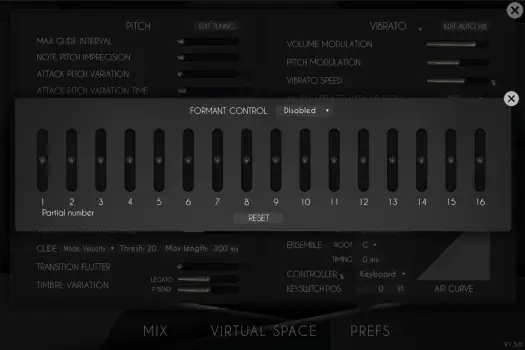
7- You can click on the Formant control button to display the formant control panel. We'll explain more about this below, but this gives you the ability to control the overall timbre of the instrument by changing the amount of each harmonic in the sound.
MIDI section
1- Pitch: You can pitch the whole instrument up or down up to +-12semitones. This affects the tone of the instruments and can be useful to cover other instruments that have a different range.
2- TRANSPOSE: This is just a MIDI transposing tool, so for example, a value of 2 semitones will play a D instead of a C. If you use the pitch and transpose at the same time, but opposite values, you will hear the correct note and will only change the timbre and range.
3- The Ensemble will be detailed in the ensemble section below.
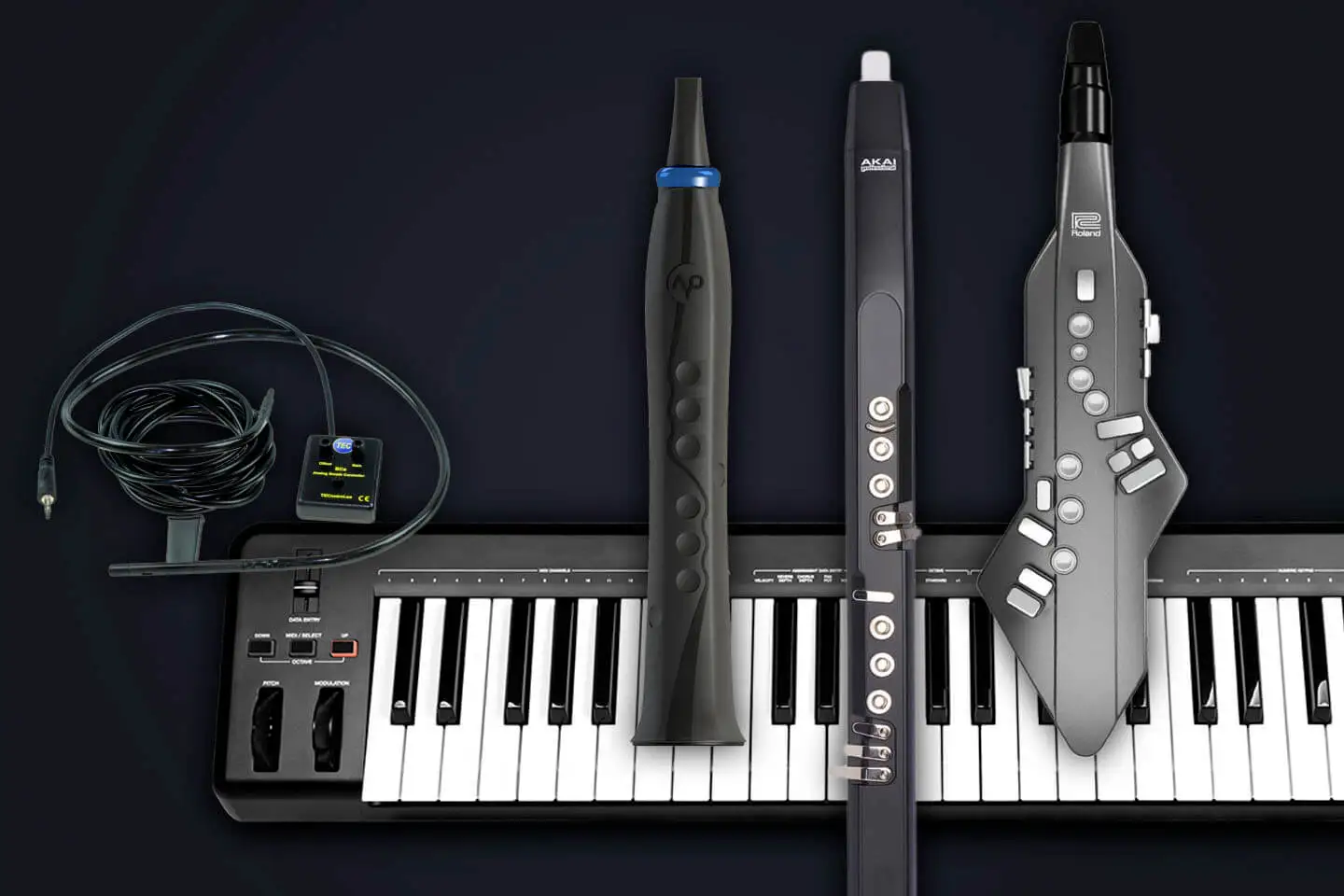
4- The type of controller you use can induce a few internal changes. The EWI for example requires some tweaks to play legatos as it does not overlap MIDI notes by default. You can select the type of controller you use from the list here.
5- Next to the controller selection, there is a small dial that controls the reactivity of the controller. On some keyboards, for example, the mod wheel can be non-continuous and have small gaps that lead to unnatural-sounding variations. To fix this, just increase the value on the dial. If you use a breath or wind controller though, make sure this value is set to 0 - otherwise it will be hard to get very sharp attacks. Selecting the right controller will take care of this value change for you.
6- You can change the position on the keyboard of the few keyswitches we use. Here is what the keyswitches do:
- C1 will play a key noise. There is already an automatic key sound with legatos and new notes, but sometimes players press some keys in between or before phrases. The key noise volume responds to velocity.
- C#1 will trigger a fall from any note you are playing.
- D#1 will trigger a rise from any note you are playing.
- E1 will repeat the note you are currently playing, either as part of a continuous sound (this is known as "static tonguing"), or as separate notes, which can be very effective in playing multi-tongued notes.
- F1 will produce a bend half a semitone downwards.
- F#1 will produce a bend half a semitone upwards.
- A1 will play a ‘breath' sound. Real players usually take a deep breath before a long phrase, or when there is enough of a gap between phrases. The volume of the breath sound responds to velocity and modulation.
The Legato transitions section is covered above.

 VBrass French Horns
 VHorns Alto Saxophones
 VHorns Baritone Saxophones
 VHorns Bass Trombone
 VHorns Cornet
 VHorns Euphonium
 VHorns Flugelhorn
 VHorns Muted Trumpet
 VHorns Soprano Saxophones
 VHorns Sousaphone
 VHorns Tenor Saxophones
 VHorns Trombone
 VHorns Trumpet
 VHorns Valve Trombone
 VWinds A Clarinet
 VWinds Alto Flute
 VWinds Bass Clarinet
 VWinds Bass Flute
 VWinds Basset Horn
 VWinds Bassoon
 VWinds Bb Clarinet
 VWinds C Flute
 VWinds Contrabass Clarinet
 VWinds Contrabass Flute
 VWinds Contrabassoon
 VWinds Eb Clarinet
 VWinds English Horn
 VWinds Oboe
 VWinds Piccolo


 VHorns Brass Section
 VHorns Extended Brass
 VHorns Saxophones
 VWinds Clarinets
 VWinds Double Reeds
 VWinds Flutes
 AS Piano Collection
 AS Drums Collection
 AS Bass Collection
 AS Free Collection
 AS Guitar Collection
 Balani
 E-PIAN
 VibysM
 Marchin
 SmallDrumKits
 WoodBoxes
 AkousKontr


 Elektron
 JazzGuitarysm