
User guide

Based on the Wurlitzer 206A, Wurlie paved the way for the creation of VReeds - but has lots to offer in its own right.
Overview
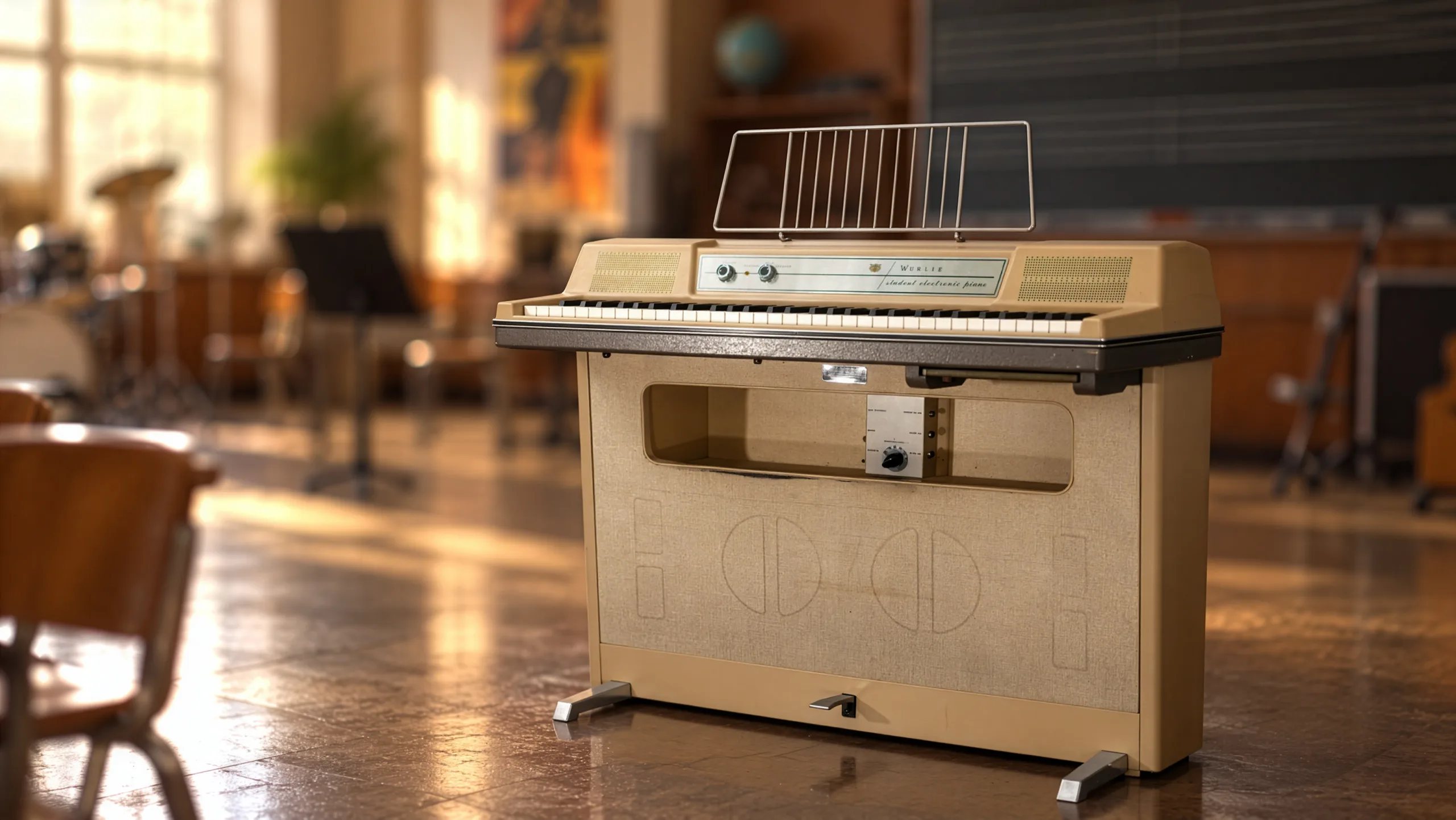
Wurlie is based on e a Wurlitzer© 206A model. The Wurlitzer© 206A is a student model, and is very similar to a 200A except for its beige color and built in amp/speaker (it also did not come with a tremolo). It was designed to be paired with a 206, which is the teacher model and they were mainly used in conservatories. The teacher had a headphone and microphone to be able to listen to each student individually and talk to them without others hearing them.
Once equipped with a DI output and a tremolo system (this is a very common and easy mod with just a few components to solder on the preexisting holes in the original circuit board) the 206A sounds exactactly like a 200A with the exception that it also has a built in amp that is more powerful and has more bass than the two small front speakers of the 200A's.
Here are a few pictures of the model we sampled
 |
 |
 |
 |
Features
Authentic reed sound
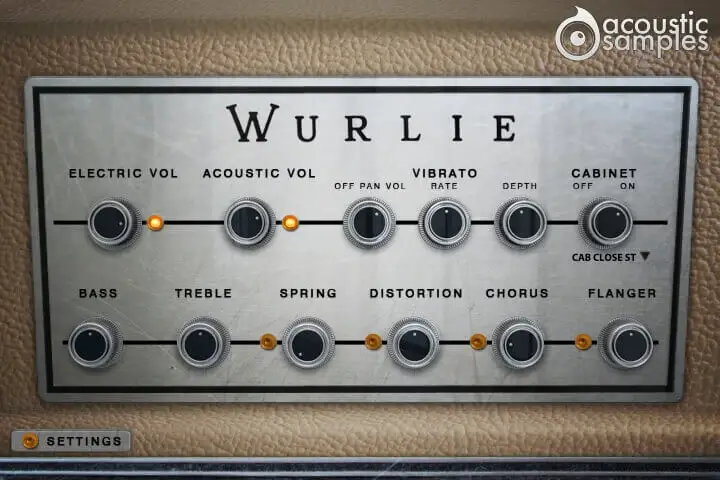
More about this
Adjustable vibrato
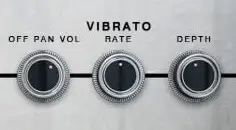
The student models don't have the vibrato circuit built in by default, but with a whole system of teacher / student com system designed for quiet music courses instead.
There is a common mod for these instruments that consists of adding the vibrato circuit and even add the possibility to control its depth and rate. We added these possibilities and went a step further and added the stereo pan present in Rhodes suitcase instruments.
Real resonances
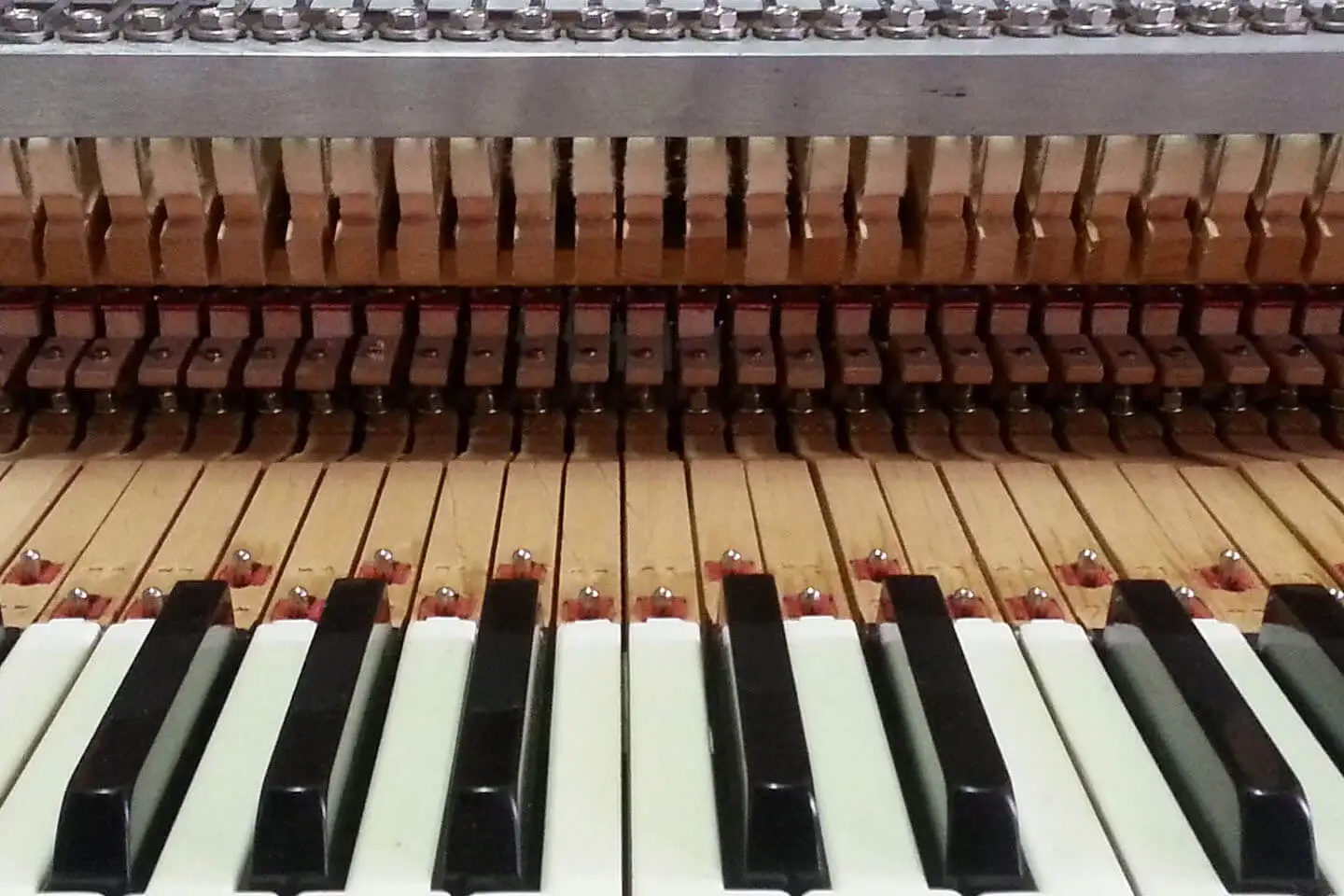
Just like for every mechanical instrument, there are resonances, but in the case of the Wurlie, they are very specific.
We captured the sympathetic resonances for both pedal up and pedal down and modelled them carefully to make sure you get the most natural response.
All the FX you need
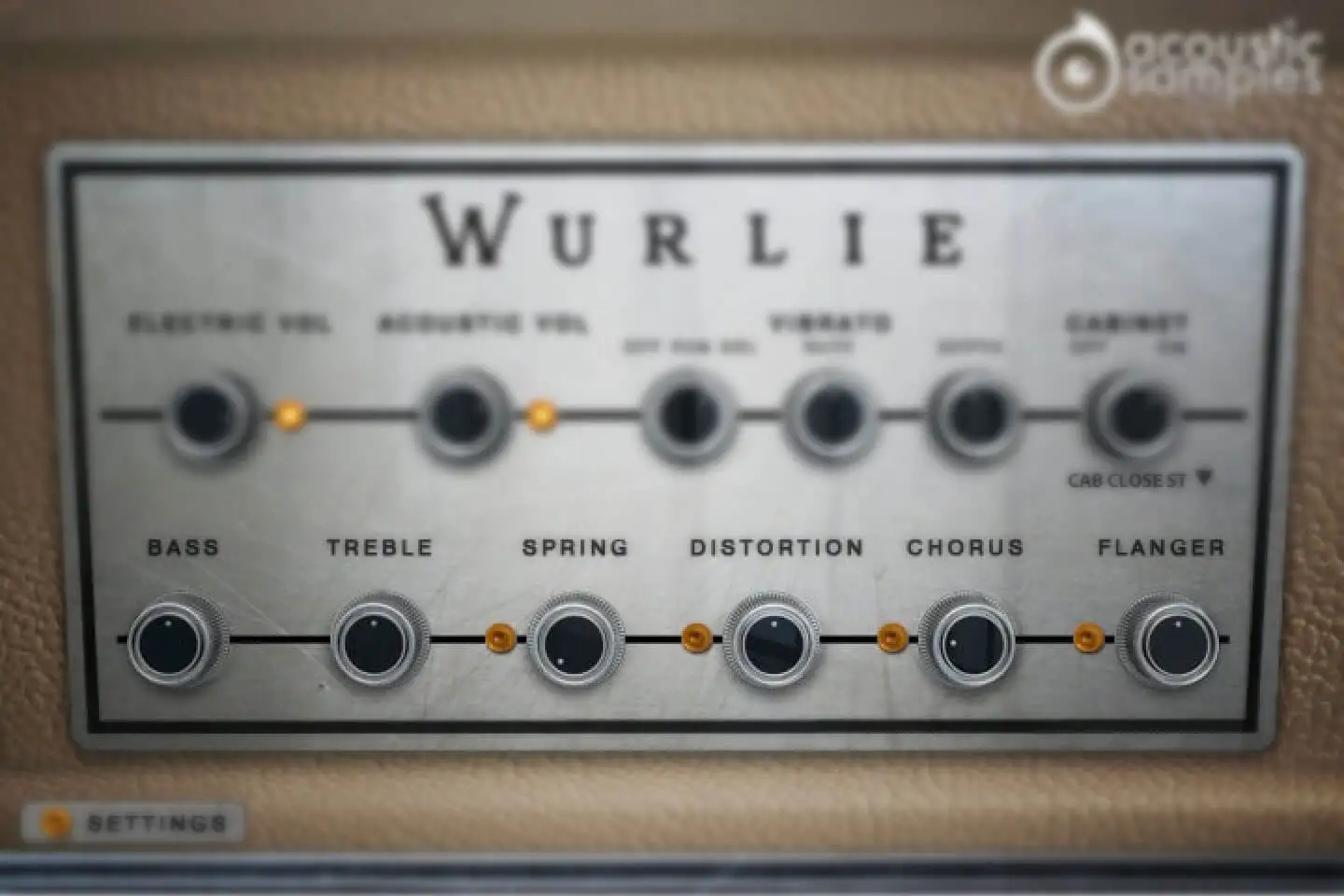
Wurlitzers© are often played with FX, we added a 2 band EQ, a Spring reverb, a tube distortion, a chorus and a flanger, and there is also a list of known amp simulations to choose from.
That's pretty much everything you need to mimic the sound of any Wurlie in any song.
More about this
Advanced settings and MIDI controls
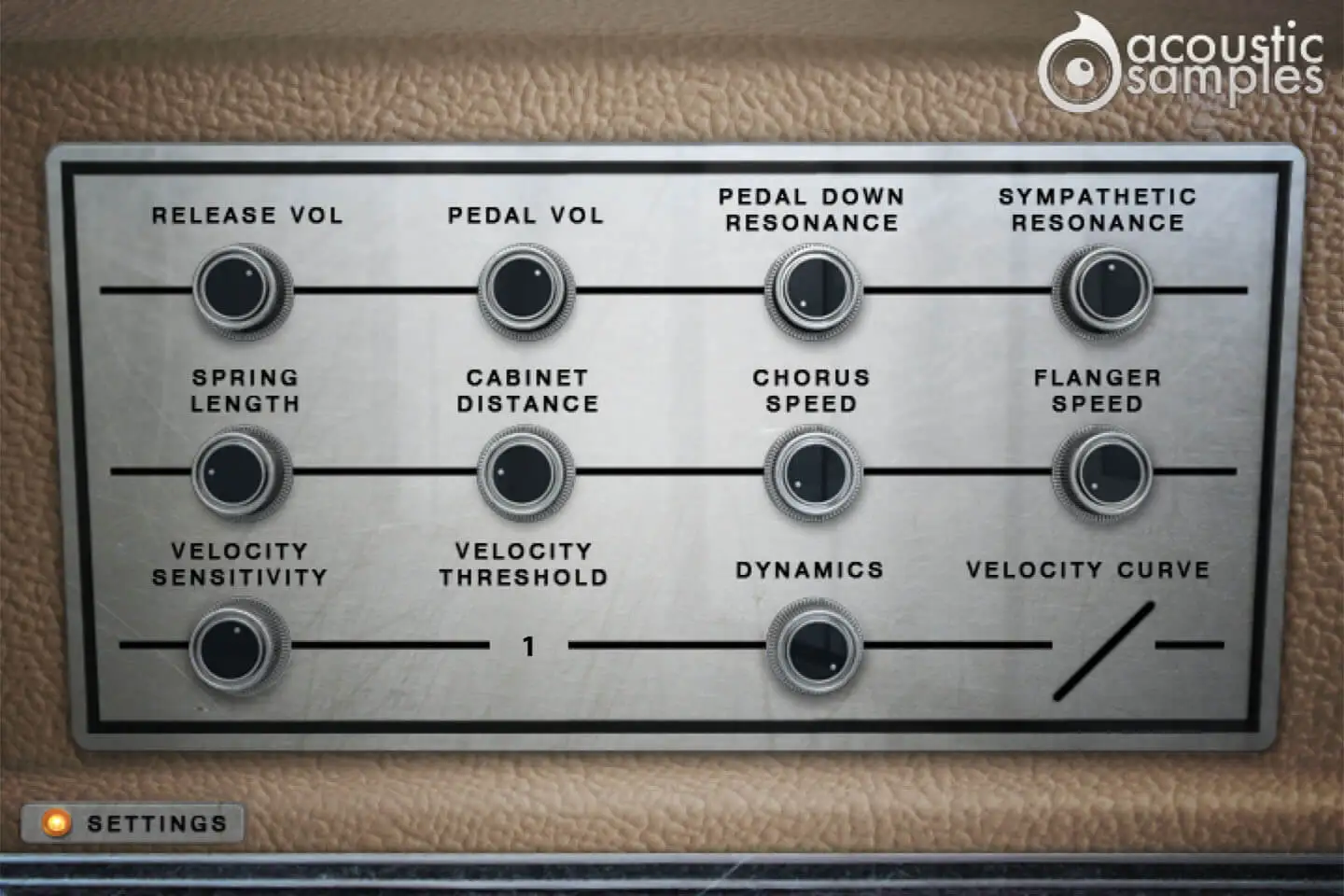
The advenced panel lets you control a few things like the pedal noise or the release volume, and also a few more parameters of the FX.
There is also a complete section about the MIDI controls to tweak the response of the Wurlie and match it exactly to how you like it.
More about this
- The release Volume: the sound produced when you release a key if a note was going on.
- The Pedal Noise: the sound produced when you press or release the pedal, it adds a lot to the realism.
- The Pedal Down Resonance: just like on a real piano, when you play and the pedal is down, the other reeds are vibrating because they are undampened. We recorded that effect that adds realism.
- The Sympathetic Resonance: again, on a real piano, when you play a C3 and the C2 key is pressed, the reed of C2 resonates. We sampled that too.
- The Spring lenght: the spring reverb is as its name suggests, based on a spring and the lenght of the reverb depends on that spring so we figured that modifying its length should be available.
- The Cabinet Distance: we recorded a few different IRS of the cabinet at different distances that add more or less room to the sound.
- You can control the Chorus Speed as well as the flanger speed if the default values don't suit your needs.
- The Velocity Sensitivity changes the volume curve of the library.
- The Velocity Threshold is simply the minimum velocity that you will have to play to hear a sound.
- The Dynamics will set the minimum volume for velocity 1 and give you access to all the dynamics that you want.
- The velocity curve remaps midi input and will give it a concave or convex shape thus changing some sort of a "MIDI sensitivity".
Technical specifications
Sample player
Wurlie plays in UVI Player (formerly UVI Workstation), UVI's free sample player. We provide it with every library you buy, so you don't need an expensive sampler to use our products. It works on Mac (macOS 10.14 or later, Intel or Apple silicon) and Windows (10 or later), standalone or as a plug-in (VST / VST3 / AU / AAX), in 64-bit only. More about it here.
Copy protection
We use the iLok system to protect our products and you can choose to register your license to your computer or to an iLok dongle. If you decide to use an iLok dongle, both V1 and V2 are compatible with our products. You can activate your license on up to 3 computers or iLok dongles at the same time and you can deactivate one and activate another as many times as you want.
Video tutorials
- Overview & walkthroughyoutu.be/YU2EtxNf0AM
- Video1youtu.be/YU2EtxNf0AM