

User guide
VTines Live
IOS version of our hybrid recreation of a Fender Rhodes MK1 Electric Piano, optimised for live performance.
Overview
Interface
Features
Pure Rhodes© sound, uncompromised playability
How does sampling + modeling work, and why does it sound so natural? Read sampled, modeled or hybrid.
More about this
Front panel
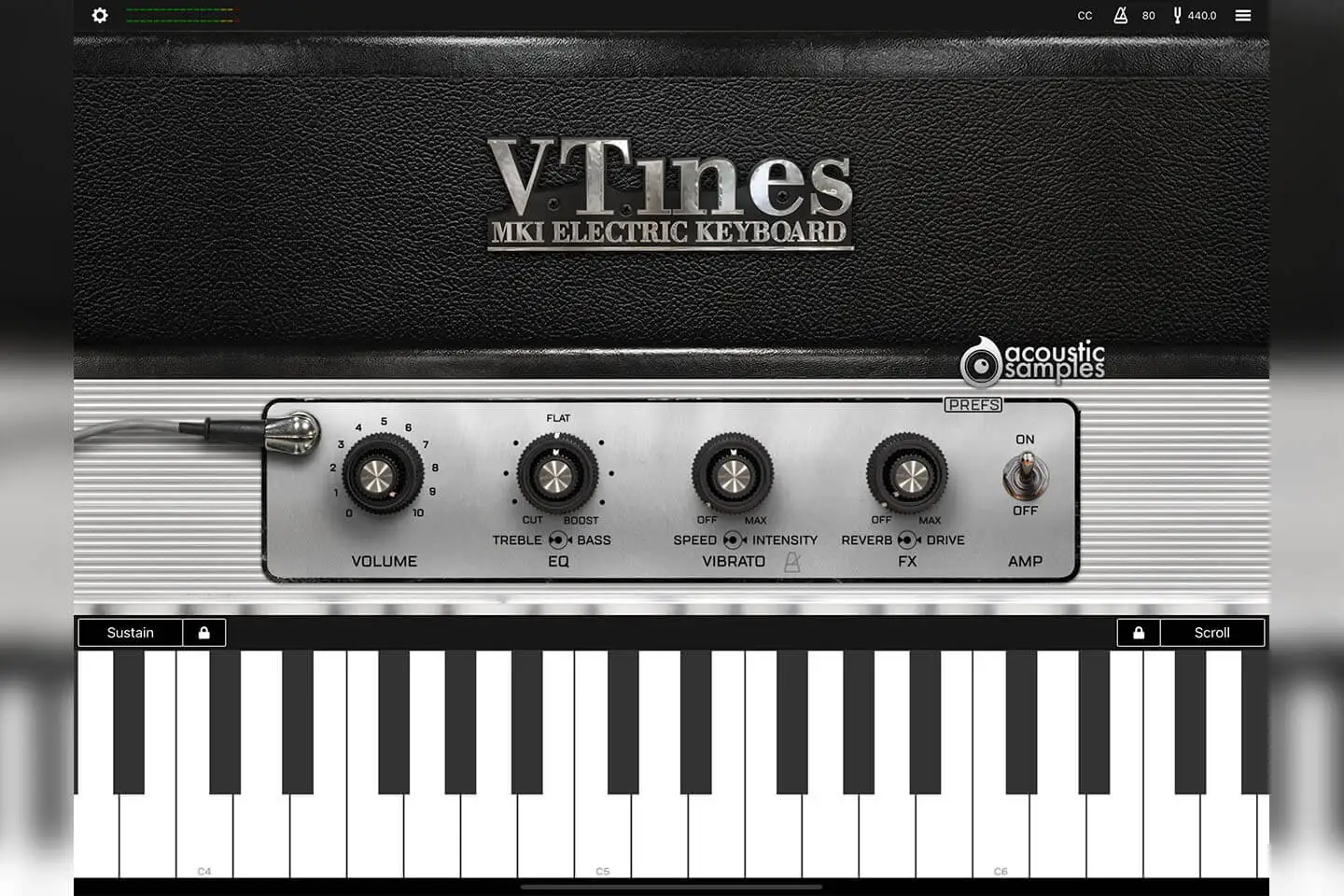
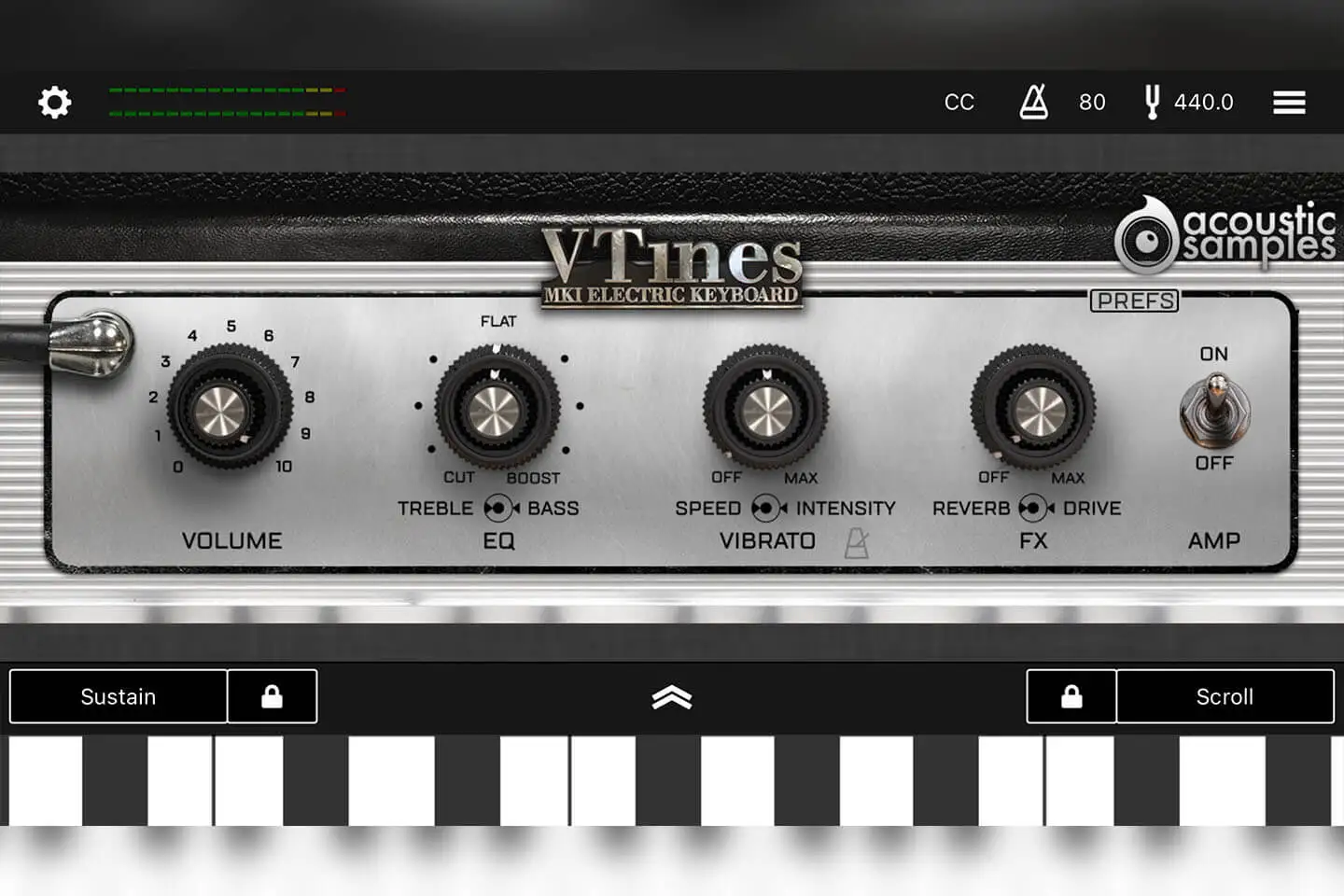
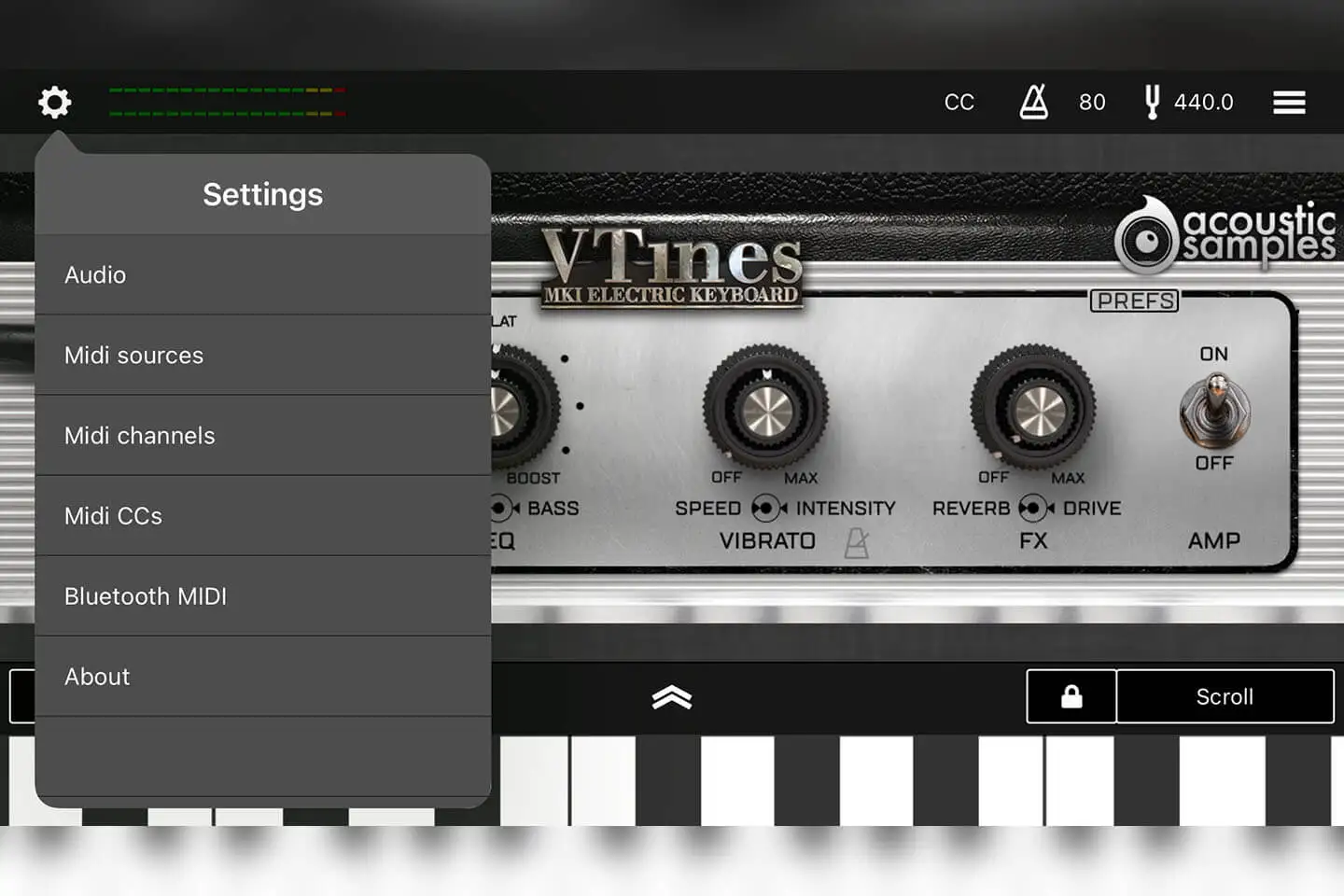
You can adjust the overall volume of the VTines live.
The second concentric knobs, just like on a real suitcase rhodes control Treble and Bass. We measured this carefully and made sure the ranges and frequencies matched the original.
The vibrato (we talk about it more in depth below) has two controls, the depth and the speed. We carefully measured the output of the preamp and copied the real output of each channel. We also added a tempo link as it can be very useful. We also extended the original range as this is a common mod on real Rhodes.
There are two very common FX accessible on the front panel: reverb and drive. You can control their amount from here but if you want further adjustments, you need to go to the FX page.
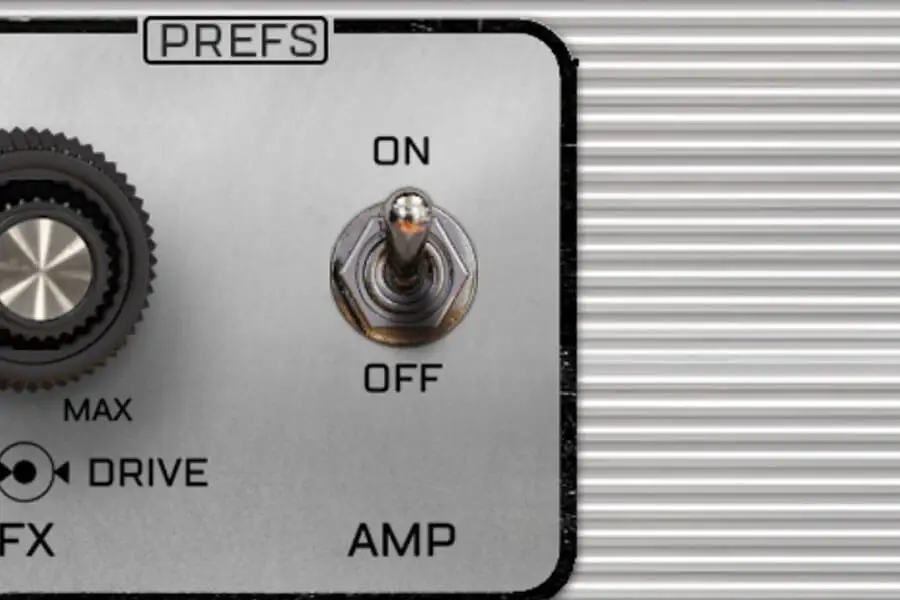
You can also engage the AMP simulation from the front panel.
Vibrato and front FX
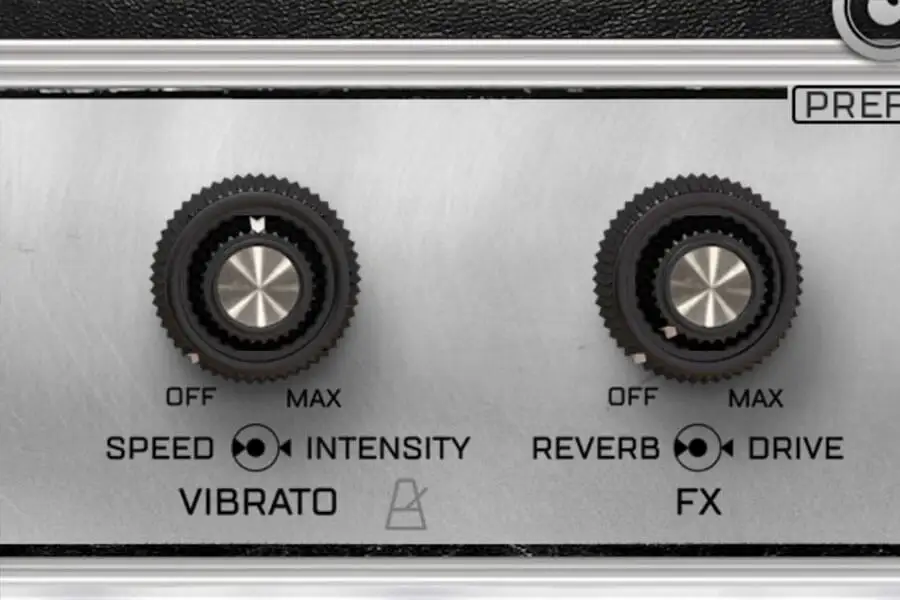
We carefully measured the output of the preamp of a Rhodes© suitcase and created an exact replica of the stereo panning of the Vibrato. We just added the possibility to sync it to your tempo and also extended the speed range just like some real mods do.
The Bass and treble EQ are precisely adjusted to the frequencies and ranges of the original preamp.
Pre 1969 Rhodes© only had a mono tremolo, so we added that option and you can get that old school vibrato effect.
Suitcase AMP
Precise adjustments
More about this
Preferences panel
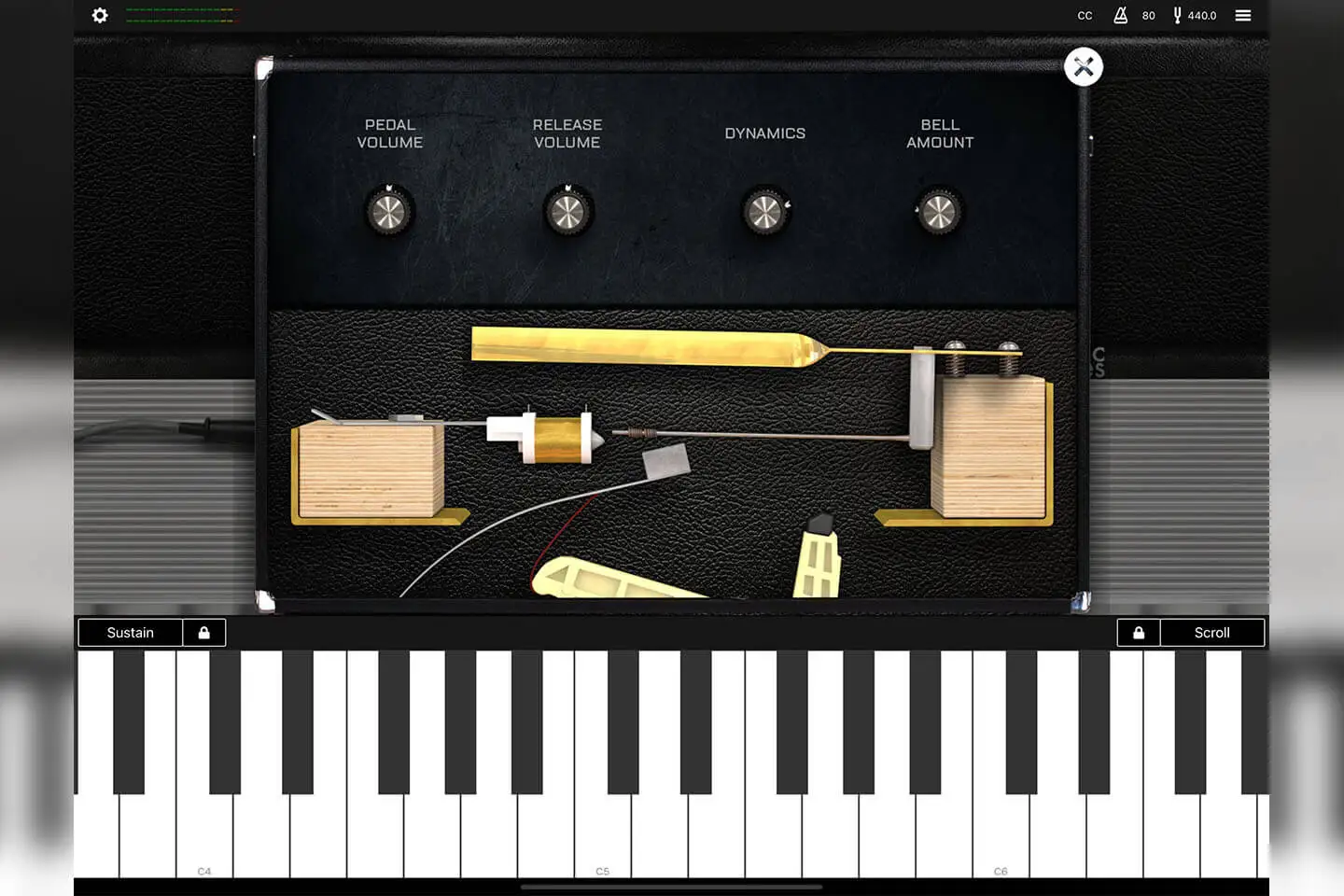
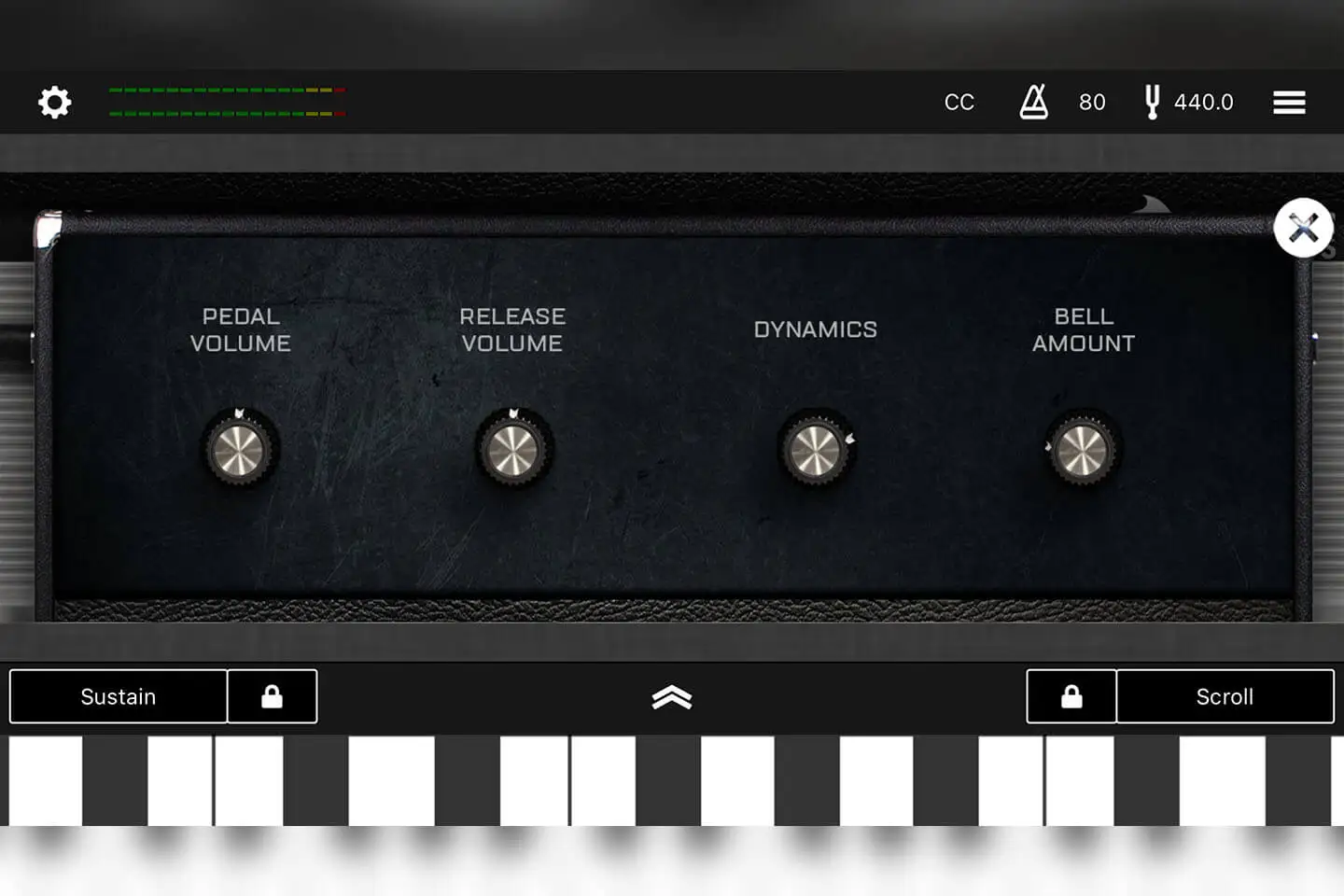
On this panel, you can adjust many parameters to shape the sound of the VTines LIVE. Here is what each parameter does.
1- The pedal volume controls the volume of the sound made by the pedal when you press and depress it.
2- The Dynamics button controls the volume of the lowest velocity allowing for a greater or smaller dynamic range. It is set by default to the maximum range of the real instrument.
Technical specifications
Requires an iPhone or iPad under at least iOS 11.0
App size once installed on your device: 43Mb
Works as standaloine and AUv3
- Sampling and modeling hybrid of a Mark1 Fender Rhodes©
- Full continuous velocity
- Perfect staccatos and release samples
- 7 high quality presets
- Bass and treble EQ adjusted to the frequencies and ranges of the original preamp
- Precise modeling of the original Vibrato effect (can be synched to the host tempo)
- Very detailed Rhodes© AMP simulation
- Reverberation and Drive FX
- Adjustable pedal volume, release volume and bell amount
- Adjustable MIDI response, input sources and channels
- Adjustable MIDI CCs to control knobs and switches
- Standalone app and AUv3 plug-in
- Low download and installation size (about 45 Mb)
- Low RAM and CPU footprint
Sample player
VTines Live plays in UVI Player (formerly UVI Workstation), UVI's free sample player. We provide it with every library you buy, so you don't need an expensive sampler to use our products. It works on Mac (macOS 10.14 or later, Intel or Apple silicon) and Windows (10 or later), standalone or as a plug-in (VST / VST3 / AU / AAX), in 64-bit only. More about it here.
Copy protection
We use the iLok system to protect our products and you can choose to register your license to your computer or to an iLok dongle. If you decide to use an iLok dongle, both V1 and V2 are compatible with our products. You can activate your license on up to 3 computers or iLok dongles at the same time and you can deactivate one and activate another as many times as you want.