
User guide
JBass
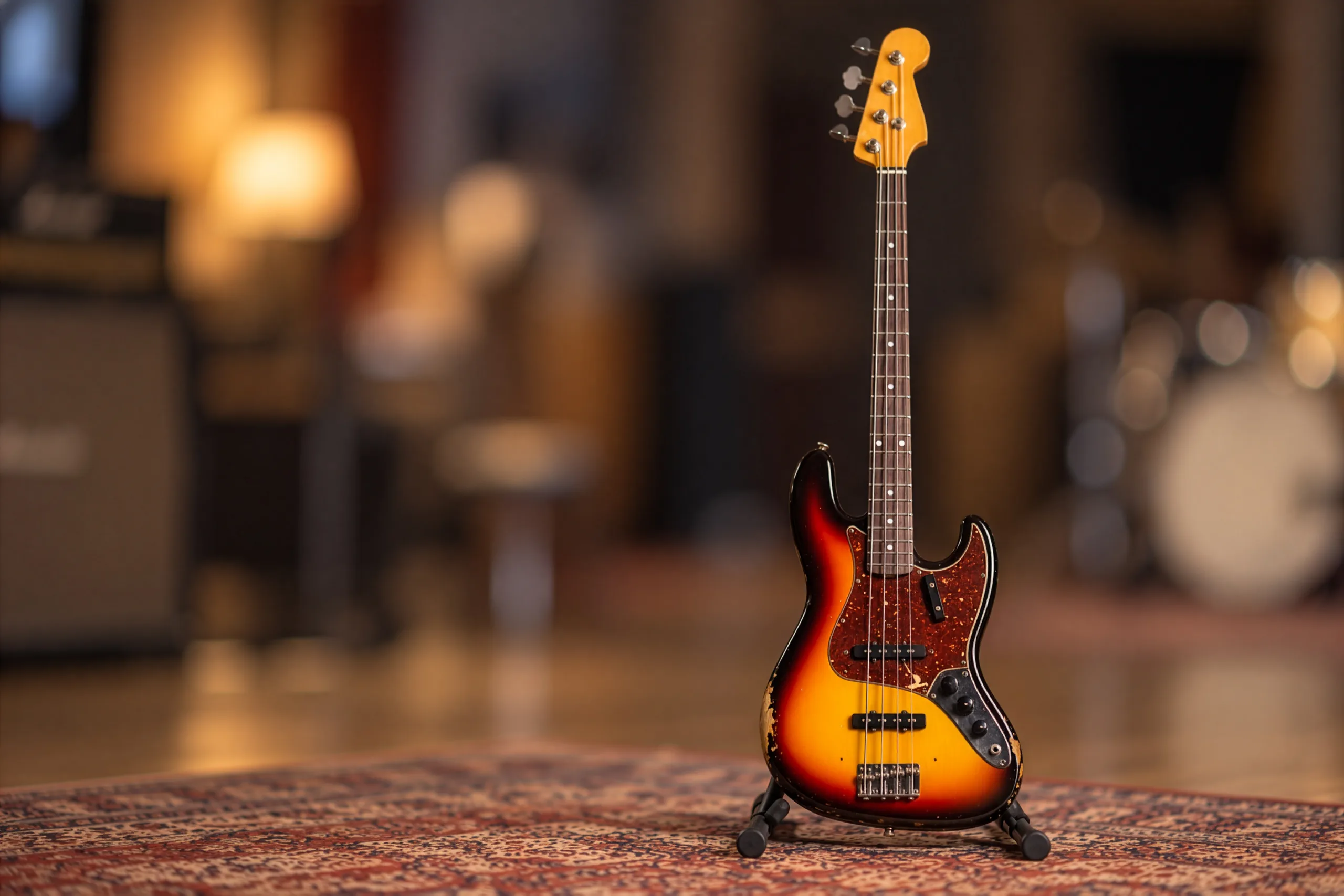
JBass is a four-string American Fender Custom shop Bass Guitar with flatwound strings. Ideal for Jazz ensembles!
Overview
FLATWOUNDS AND FINGERS
JBass is a four-string American Fender Custom Shop Jazz Bass with flatwound strings - ideal for jazz ensembles, and at home in almost any genre.
It is sampled in depth: around 2500 samples, with 6 velocity layers for the sustain, each recorded twice (2 round robins, 12 samples per note), and 15 velocities for the release.
Interface
Features
Born for jazz
The first Jazz Bass was made in 1960 as a companion to Fender's new Jazzmaster guitar. Its neck was longer and narrower than any earlier Fender, meant to mimic the feel of the stand-up bass, and even its new mid tones were made with jazz musicians in mind.
Its sound became fundamental to funk, disco, reggae, blues, heavy metal and jazz fusion, and is now heard in almost any genre.
Four playing techniques
The bass was recorded played with the fingers, with a pick, and palm-muted with either, and the play mode switches between them - from the panel or from the keyboard.
Play legato and JBass connects the notes with real hammer-on and slide samples. Harmonics, ghost notes and string hits are sampled too, and string noises are played randomly on top.
More about this
Default interface
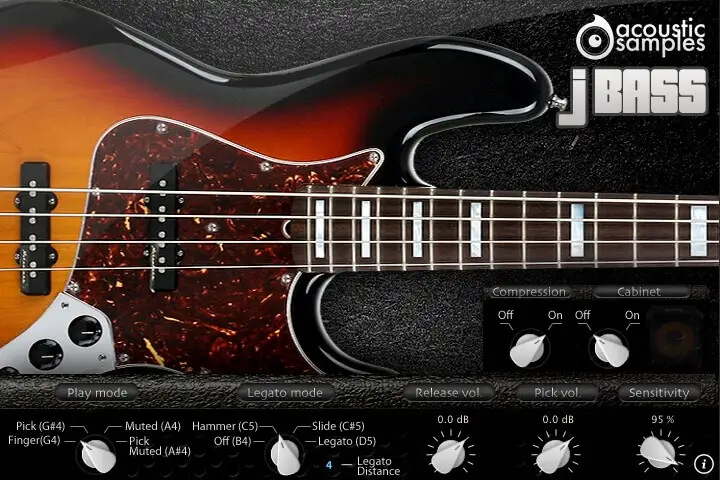
Play mode: choose the technique: Finger (G4), Pick (G#4), Muted (A4) or Pick Muted (A#4).
Legato mode: choose whether playing legato triggers hammer-ons, slides, sustains, or has no effect: Off (B4), Hammer (C5), Slide (C#5) and Legato (D5).
Legato distance: the maximum interval over which the legato applies.
Release volume: the level of the sound produced when you release a string while a note is ringing.
Pick volume: the level of the pick, shown on the panel next to the release volume.
Sensitivity: sets the minimum volume for velocity 1, from a narrow to the full dynamic range.
Shape the tone
A multiband compressor and a cabinet simulation can each be switched on from the front panel, with a Bass and Treble EQ to fit the bass into the mix.
The sensitivity sets how quiet the softest notes are, giving you as much or as little dynamic range as the track needs.
More about this
Front panel
Compression: turns the multiband compressor on or off.
Cabinet: turns the cabinet simulation on or off.
EQ: adjusts the Bass and Treble of the parametric EQ.
Technical specifications
Sample player
JBass plays in UVI Player (formerly UVI Workstation), UVI's free sample player. We provide it with every library you buy, so you don't need an expensive sampler to use our products. It works on Mac (macOS 10.14 or later, Intel or Apple silicon) and Windows (10 or later), standalone or as a plug-in (VST / VST3 / AU / AAX), in 64-bit only. More about it here.
Copy protection
We use the iLok system to protect our products and you can choose to register your license to your computer or to an iLok dongle. If you decide to use an iLok dongle, both V1 and V2 are compatible with our products. You can activate your license on up to 3 computers or iLok dongles at the same time and you can deactivate one and activate another as many times as you want.