
User guide
Percussiv
A highly playable collection of percussion instruments from around the world, each one sampled in incredible detail.
Overview
PERCUSSION FROM AROUND THE WORLD
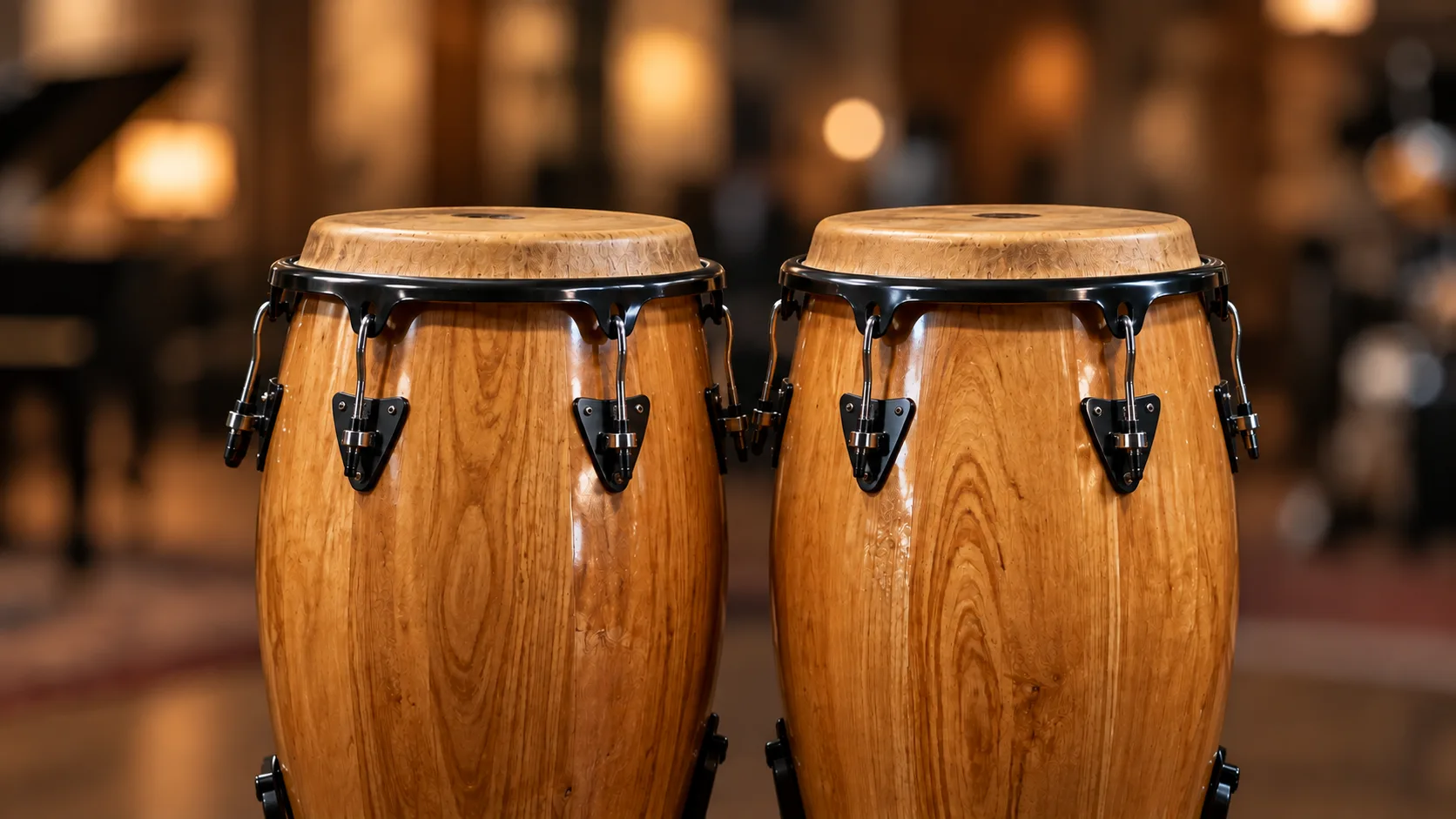
Percussiv' is a collection of 15 percussion instruments from around the world, from congas, bongos and udu drums to shakers, woodblocks and a Chinese gong.
Each is sampled in detail with its most common strokes: around 4367 samples, 4 to 8 round robins and up to 15 velocity layers - as many as 120 samples per element. The MIDI percussion parts of the first 5 demos are included.
Interface
Features
Fifteen instruments
Percussiv' gathers skins, woods and metals in one instrument, each one easy to play with the strokes you reach for most.
It is meant as an essential part of a composer's toolkit: load only what a cue needs, or the whole set.
More about this
The instruments
- Agogo
- Cowbell
- Berimbau
- Bongos
- 2 claves
- Congas
- Chinese gong (tam-tam)
- Guiro
- 3 shakers
- Cabasa
- Tambourine
- Brazilian tamborim
- Triangle
- Udu drums
- 5 woodblocks
Edit and MIDI
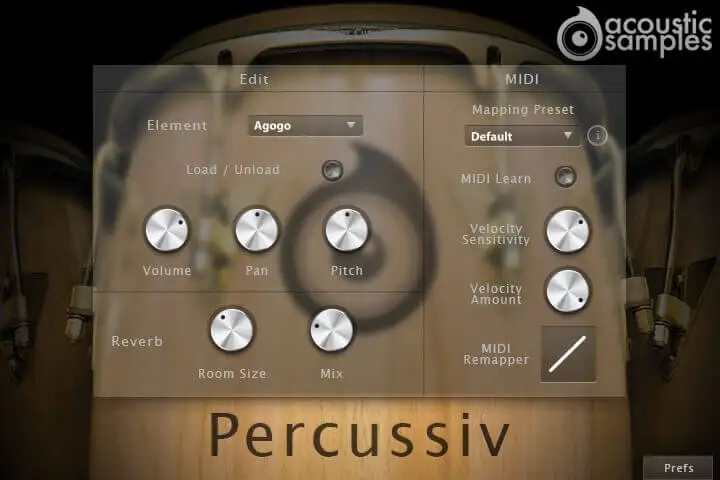
Play a key and the element you just played is selected, with its volume, pan and pitch ready to adjust. Samples can be loaded or unloaded per element to save RAM and speed up loading.
The MIDI side remaps any element to any key, offers default and GM mapping presets, and shapes how the instrument responds to your velocity.
More about this
Edit
Element: play a key (with Midi Group Select on) or choose from the menu to select an element.
Volume, Pan, Pitch: set for each element.
Load / Unload: loads or unloads the samples of the element. A completely unloaded preset is available to start from scratch.
Reverb: Room Size and Mix.
MIDI
Mapping preset: default or GM, or create your own. Click the "i" to see the default mapping note by note.
MIDI Learn: press the key of the element you want to move, click MIDI Learn, then press the target key. Several elements can share one key.
Velocity Amount: sets the minimum volume for velocity 1.
Velocity Sensitivity: controls the volume curve.
MIDI Remapper: remaps the velocity output.
Fast shaker lines
The shakers have a special function: their samples can be retriggered at the note off, so a very fast shaker line is as easy as pressing and releasing a key.
Combined with 4 to 8 round robins, repeated strokes keep moving instead of sounding like the same sample twice.
Technical specifications
Sample player
Percussiv plays in UVI Player (formerly UVI Workstation), UVI's free sample player. We provide it with every library you buy, so you don't need an expensive sampler to use our products. It works on Mac (macOS 10.14 or later, Intel or Apple silicon) and Windows (10 or later), standalone or as a plug-in (VST / VST3 / AU / AAX), in 64-bit only. More about it here.
Copy protection
We use the iLok system to protect our products and you can choose to register your license to your computer or to an iLok dongle. If you decide to use an iLok dongle, both V1 and V2 are compatible with our products. You can activate your license on up to 3 computers or iLok dongles at the same time and you can deactivate one and activate another as many times as you want.
Video tutorials
- Overview & walkthroughyoutu.be/UXfRb27YLTE
- Video1youtu.be/UXfRb27YLTE